
Back to Blog
Article•Thursday, June 11, 2026
World Cup 2026 Streaming in Austin: Get Your Home Wi-Fi Ready for 39 Days of Matches
R
Ryse Technology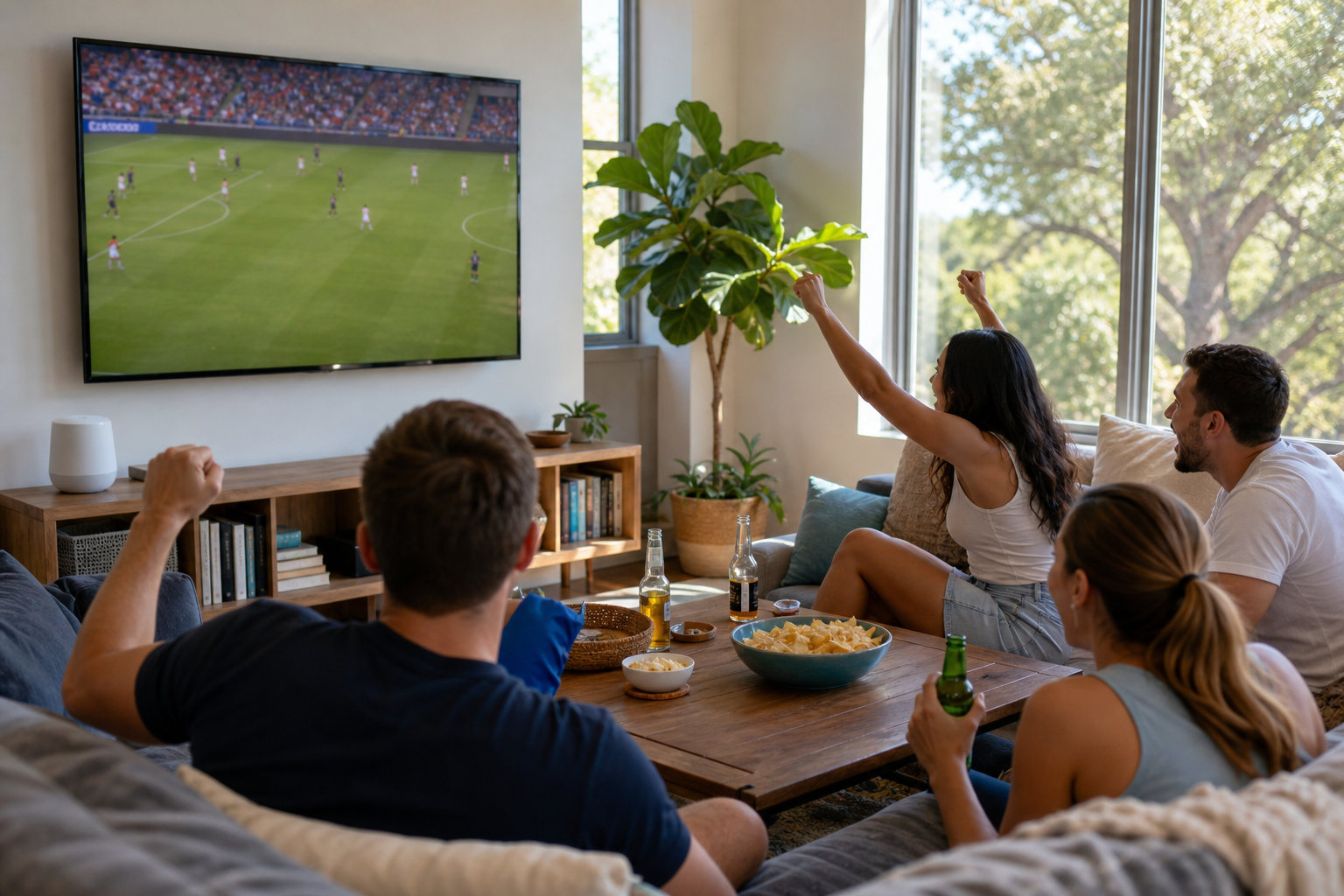
Available now in Austin, TX
Ready to get started?
Book a session or call us - we'll handle the rest.
Book a session or call us - we'll handle the rest.
The 2026 World Cup kicked off June 11, and Austin homes are about to stream more live soccer in 39 days than most do all year. Here is how to get your home Wi-Fi ready before the USA plays Friday night.
I run service calls across Austin every week, and big streaming events have a way of exposing every weak spot in a home network at the worst moment. A World Cup with 104 matches, many of them kicking off in the middle of the Central Texas workday, is about as big as streaming events get. A little prep this week saves you from staring at a buffering wheel while the neighbors celebrate a goal you have not seen yet.
Austin FC is turning Auditorium Shores into a free watch party site on June 11 and 12, showing the opening matches on large screens, including Mexico's opener and the United States against Paraguay on Friday, June 12. Entry is free with registration and capped at 5,000 people, as KVUE and CBS Austin reported this week. Starting June 13, Inn Cahoots on East 6th becomes a free soccer hub for the rest of the tournament, screening every remaining match through the final on July 19.
Those parties are a great way to catch the marquee games. The other 90-plus matches get watched at home: on the living room TV, the tablet in the kitchen, the phone on the back porch. Group-stage days have up to four kickoffs, and a lot of them land between morning and mid-afternoon here in Central Time. If your network has a weak spot, a month of live soccer will find it.
A quick rundown so you are not hunting for a stream at kickoff:
One detail worth knowing: live streams typically run 30 to 60 seconds behind the over-the-air broadcast. If you hear the apartment next door erupt before your TV shows the goal, that is the stream delay. An antenna on your main TV is the only real cure, and for FOX matches it is also the cheapest option.
A 4K live stream wants 15 to 25 Mbps sustained, per screen. Live sports are far less forgiving than a movie night: Netflix buffers minutes of video ahead, while a live match holds only a few seconds, so every Wi-Fi stumble shows up on screen as a freeze or a quality drop right as the ball reaches the box.
Now stack a midday match on a normal Austin weekday. Two people on video calls, a smart doorbell uploading clips, a teenager on a game console, and the match in 4K on the big TV. Plenty of homes in Mueller, Circle C, or Round Rock have the internet plan for all that and still buffer, because the bottleneck is the Wi-Fi between the router and the TV, not the line into the house.
And it is June in Central Texas. Heat indices have been running in the triple digits this week, and the routers we find tucked into hallway closets, garages, and closed media cabinets are running hot. Hot gear throttles, drops connections, and reboots itself at random. Summer is when we replace the most cooked networking equipment in Austin, and it is not close.
The United States plays Paraguay at 8 p.m. Central on Friday, June 12. Here is what I would do before then, in order:
If your TV or streaming box sits anywhere near the router, run an Ethernet cable. Wired video does not buffer because someone opened the microwave or walked through the hallway. If the run is long, a pair of MoCA or powerline adapters beats drilling holes.
Routers belong out in the open, centrally located, up off the floor. If yours lives in a closed cabinet or a closet that feels warm to the hand, move it or at least crack the door and clear the vents. Give it a reboot this week too; months of uptime plus summer heat is a bad combination.
Run a speed test from your phone while standing where the TV is. If you pay for 500 Mbps and see 40 at the TV, your plan is fine and your Wi-Fi is the problem. That points to placement, an aging router, or the need for a mesh node, not a more expensive internet tier.
Update the FOX One or FOX Sports app, your TV firmware, and your router firmware now, not at 7:55 on Friday. Sign in and play something so the activation handshake is done. Half the "the stream will not load" calls we get during big events turn out to be sign-in and update problems, not network ones.
Planning to watch from the back porch, the garage gym, or a bedroom on the far end of the house? Walk there with your phone and check the bars. One well-placed mesh node usually fixes a dead zone for good. If you would rather have someone measure and place it properly, that is exactly what our home network and Wi-Fi service does.
Put guests on a guest network so forty phones do not share airtime with the TV. If your router has QoS or device-priority settings, pin the TV to the top for the afternoon. And if the party is outside, test the patio stream the day before, in the afternoon heat, under the same conditions as game time.
Every big tournament brings a wave of sketchy "watch free in HD" links in search results, social replies, and group texts. Many are phishing pages or malware dressed up as a video player. With roughly 70 matches legitimately free on broadcast FOX and more free on Tubi and Telemundo, there is no reason to gamble. If you or a family member already clicked something questionable, our scam protection service can check the device and lock down your accounts.
We are a local Austin team, we do same-day visits, and June is exactly when we tune networks for summer streaming. If you want the TV hardwired, the dead zones mapped, and the router out of the hot closet before the USA match, book a visit and we will have you set for all 39 days.