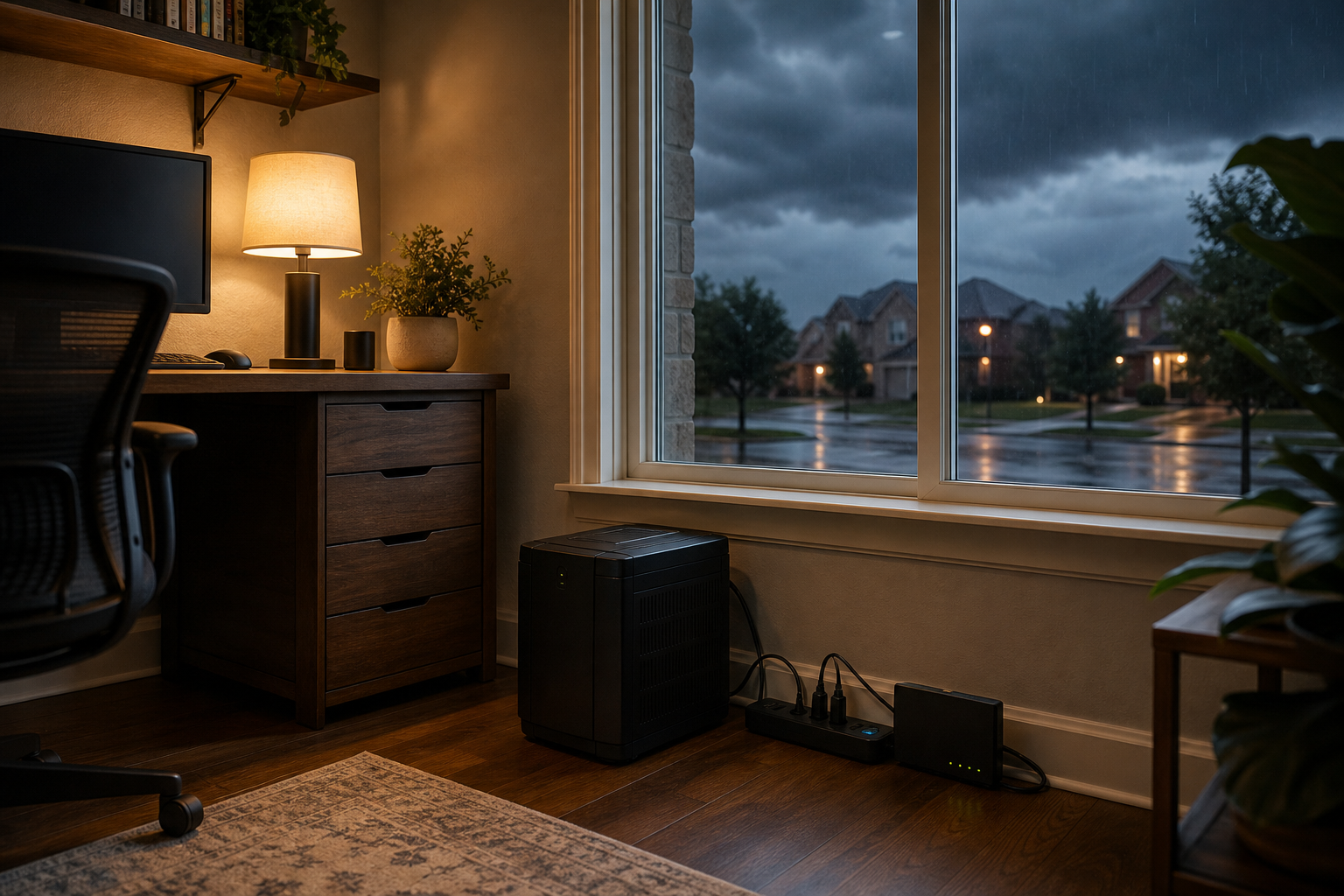
Austin's first real cold front of the fall arrives next week with the first widespread storms in weeks, and the routers, modems and computers that survived a record-hot September are about to face a different threat: lightning, power flickers and surges. Here is the short checklist to run this weekend so your home network and your data come through the front without a repair bill.
The Austin American-Statesman reported on Friday, September 25 that models show the first real front of the season pushing into Texas, with rain chances rising Tuesday night and as much as 2 inches possible between Tuesday and Thursday. KXAN's First Warning team is calling for scattered to numerous showers and storms Wednesday and Thursday, with extra moisture from Hurricane Polo boosting the totals, and highs falling from near 100 into the 80s. After a dry stretch that long, the first storms tend to be the messy ones, and messy storms are what fill our schedule with dead modems and routers that never came back on.
Why the first storm after a dry spell hits home electronics hardest
We see three patterns after a front like this one rolls through Central Texas:
- Lightning surges through the wiring. A strike does not have to hit your house. A strike a few streets over can push a voltage spike down power lines, coax and even copper phone lines. The modem is usually the first casualty, because it sits on two of those paths at once.
- Power flickers, not outages. Austin Energy crews restore full outages fast, but the front will produce dozens of half-second blinks as trees hit lines. Every blink is a hard reboot for your router, your mesh points, your NAS and any desktop without a battery. Drives corrupt during a write. Routers lose settings. Smart-home hubs forget schedules.
- The brownout on the way back. When power returns, voltage often sags or spikes for a moment before it settles. Cheap power bricks handle that badly, and a network switch that was fine for five years quietly dies.
None of this needs a direct hit. It needs gear plugged straight into the wall, which describes most homes we walk into.
The weekend checklist: surge protection for the gear that matters
You have Saturday, Sunday and Monday before the rain chances climb. Work through this list in order.
1. Find the gear that is plugged straight into the wall
Walk the house and look behind the TV, under the desk and in the closet where the internet comes in. The modem, router, mesh points, network switch, desktop PC, NAS or backup drive, and the smart-home hub are the pieces that matter most. Anything on a bare wall outlet or a plain power strip with no surge rating goes on the fix list.
A power strip is not a surge protector. If the strip does not print a joule rating on the label, it is a splitter, nothing more.
2. Put the modem and router on a real surge protector, and protect the coax too
Buy a surge protector rated at 1,000 joules or more with an indicator light that shows the protection is still working. Surge protectors wear out; every hit uses up part of their capacity, and a five-year-old strip that has been through a few Texas storm seasons may protect nothing at all. If the indicator light is off, replace the strip.
For cable internet, use a protector with coax pass-through, or add an inline coax surge arrester between the wall and the modem. For fiber, the incoming line is glass and carries no surge, but the power brick for the fiber terminal still needs protection.
3. Add a small battery backup for the network
A compact UPS (uninterruptible power supply) in the 600 to 900 VA range costs less than most routers and rides your modem, router and mesh base through every flicker the front throws at you. That keeps the Wi-Fi up, keeps the cameras recording, and keeps the router from doing a dirty reboot dozens of times a night. It also lets you shut a desktop down cleanly. Plug only the network gear and one computer into the battery side; TVs and speakers go on the surge-only outlets.
4. Save your router's settings now
Most routers have a backup or export option under their administration or system page. Save the settings file to your phone or laptop before the storms. If a flicker wipes the configuration, restoring it takes two minutes instead of an hour of re-entering Wi-Fi names, passwords, port forwards and parental controls. Mesh systems managed through an app usually keep the settings in the cloud, but check that the app can still see every node today rather than discovering a dead one on Thursday.
5. Run a fresh backup before Tuesday
A power blink during a write is the most common way we see a drive lose files. Run a full backup of every computer this weekend: Time Machine on a Mac, File History or a full image on Windows, and a cloud backup for the folders that cannot be recreated. Then unplug the external backup drive when it finishes and set it on a shelf. A drive that is not plugged in cannot be hit by a surge. If you rely on a NAS, confirm it is on the battery side of the UPS and that its own scheduled backup ran within the last week.
If backups have been on the someday list, our data backup and recovery page explains what a sensible setup looks like for a household and how we set one up in a single visit.
6. Unplug what you can during the worst of it
When the lightning is close on Wednesday or Thursday, pull the plug on the expensive desktop, the gaming console and the TV if you are home. A surge protector is a filter, not a guarantee, and a direct or very close strike can overwhelm a good one. Unplugged gear has nothing to filter.
7. Check the outdoor gear
Outdoor cameras, the Wi-Fi extender on the patio and the low-voltage transformer for landscape lighting all take the weather directly. Make sure their cable connections are inside a weatherproof box or at least pointed downward, and that any Ethernet run that goes outside and comes back in passes through an Ethernet surge protector at the entry point. An unprotected outdoor Ethernet run is the single most effective way to bring a lightning surge straight into your network switch.
After the storm: when the internet does not come back
The front will pass, the power will return, and some homes will find the Wi-Fi gone. Before calling anyone, work through these steps:
- Check the lights on the modem. No lights at all means the power brick or the modem took the hit. Try a different outlet first. A power brick is a cheap fix; a dead modem from your provider is usually swapped free.
- Power cycle in order. Unplug the modem and the router. Plug the modem in, wait until its online light is solid (two to five minutes), then plug in the router. Then the mesh points. Doing it all at once causes half the "still down" calls we get.
- Look at the surge protector indicator. If the protected light is off, the strip absorbed a hit. Replace it before you plug anything back in.
- Check the provider's outage map. Spectrum, AT&T and Google Fiber all post neighborhood-level outage maps. If the map shows your area, the gear is fine and the wait is on them.
- Test a wired connection. If a laptop plugged directly into the router with an Ethernet cable gets online but Wi-Fi does not, the router's radio may have failed while the rest of it survived. That is a router replacement, not a provider problem.
If you get through that list and still have nothing, or the router boots but forgets its settings every few minutes, something inside took damage. Our home network and Wi-Fi service covers diagnosing exactly which piece failed and replacing it with something sized for the house, and device troubleshooting and repair handles the computer that will not turn on after a blink.
The cheap version of all of this
If you do one thing this weekend, buy a decent surge protector and move the modem and router onto it. If you do two, add the small UPS. Those two purchases cost less than a single service call and cover the failures we see most after every storm that rolls through Austin.
Spend twenty minutes on the checklist above and the only thing you will notice on Thursday is the weather.
If you would rather have someone else set it up, or the storm has already taken something out, book a visit or get in touch and we will get the network back up.