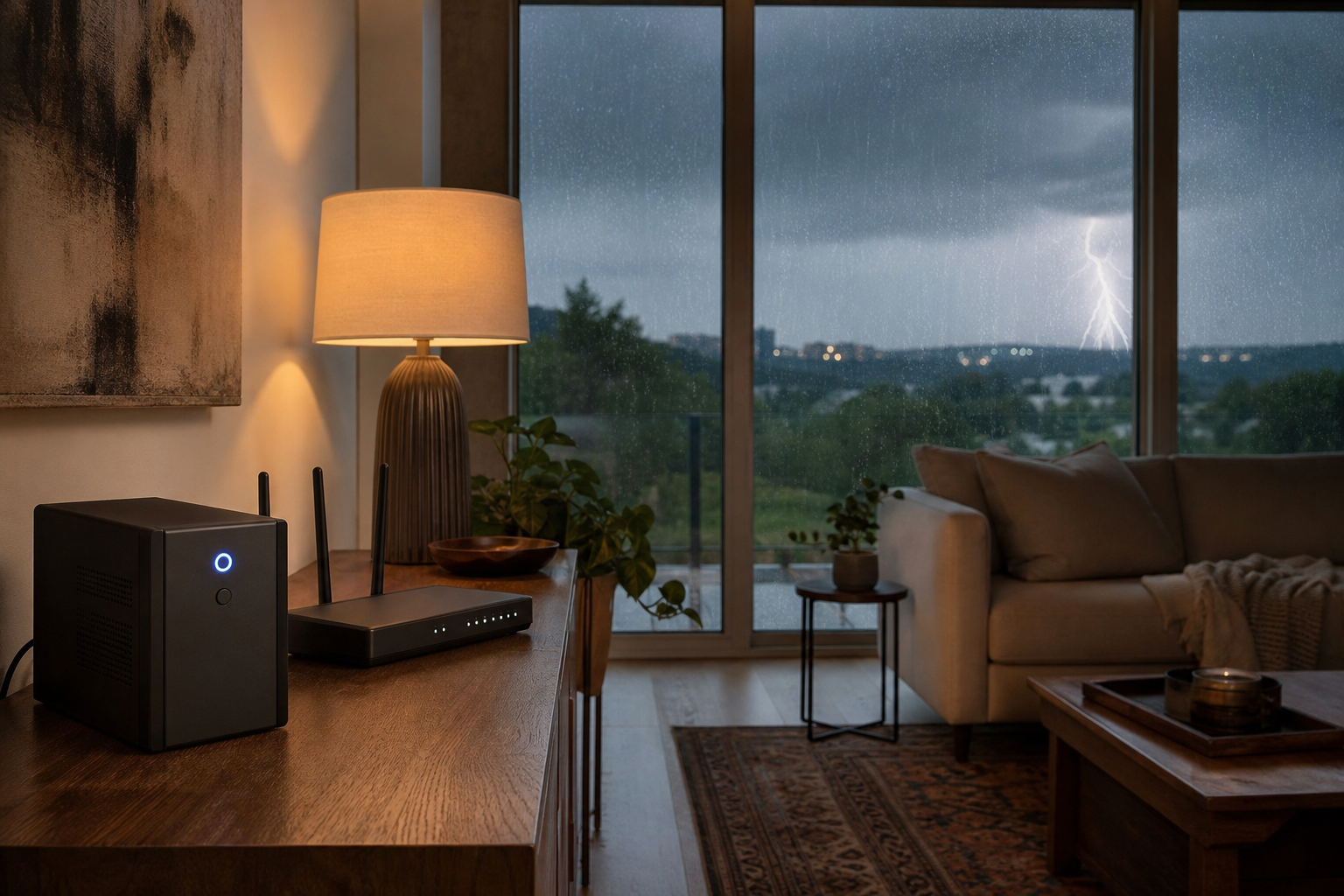
Austin storm season opened by cutting power to 21,000+ homes this week. Here is how to protect your electronics, back up your data, and keep Wi-Fi online.
This week's storms were a preview of the next four months. On the night of June 2, severe thunderstorms rolled across Central Texas with 60 mph winds and hail, and by 9 p.m. more than 21,000 Austin-area customers had lost power, with downed limbs and localized flooding across the region. Crews restored most service by Wednesday morning, but forecasters warned that more storms were possible all week. Pair that with ERCOT's forecast for record electricity demand this summer, and the message for any Austin homeowner is simple: the grid is going to blink, and your home tech needs to be ready before it does.
We run a local, same-day tech-support practice here in Austin, and the calls we get the morning after a storm are always the same: a modem that will not come back, a desktop that took a surge, family photos stranded on a drive that no longer spins, a work-from-home setup that is dark on a Monday. Almost all of it is preventable with an afternoon of setup. Here is what we tell our neighbors to do.
What every Austin homeowner should do before the next power outage
You do not need a generator or a rewired house. You need three cheap layers of protection and a habit. Start now, while the weather is calm, not while a warning is flashing on your phone.
1. Real surge protection, not a power strip
The damage from a storm is rarely the outage itself. It is the surge when power swings or comes back hard. A $6 power strip with an on/off switch does nothing for that. Use a true surge protector with a joule rating of at least 1,000 to 2,000 for TVs, computers, and game consoles, and replace them every few years because the protection wears out. For the whole house, an electrician can add surge protection at your panel, which is the best defense for hard-wired items like your HVAC, refrigerator, and EV charger. When a severe warning is headed for your neighborhood and you are home, the safest move is still the oldest one: unplug the electronics you care about most.
2. A small battery backup so your Wi-Fi survives the blip
Most Austin outages this time of year last minutes, not days. A small uninterruptible power supply, or UPS, is a battery that sits between the wall and your modem and router. A basic unit runs about $60 to $120 and keeps your internet alive through short outages and brownouts, which matters if you work from home, run cameras, or rely on a medical or alarm device. It also lets your equipment shut down cleanly instead of taking a hard hit. If you want help sizing one or getting cellular failover set up so you stay online even when the line goes down, that is exactly the kind of home network and Wi-Fi work we do on-site, and it ties directly into a reliable work-from-home setup.
3. A backup of your data that runs by itself
Heat and power swings are hard on hard drives, and storm season is when we see the most failures. The rule we follow is 3-2-1: three copies of anything you cannot replace, on two kinds of storage, with one copy off-site. In practice that means an automatic cloud backup plus a local copy on an external drive, set to run on a schedule so you never have to remember. We can recover a lot from a failed drive, but recovery is slower and more expensive than prevention, so getting data backup and recovery in place before the next storm is the cheapest insurance you will buy all year.
When the power comes back on
The moment the lights return is when a second round of damage happens, because everything tries to draw power at once. Do not flip every device back on at the same time. Bring your network back in order: power the modem first, wait for its lights to settle, then the router, then your computers. Check for any device that is warm, smells off, or will not turn on, and unplug it. Cameras, smart-home hubs, and thermostats often need to re-pair or pull a firmware update after an outage, and a router that crashes during an outage sometimes needs a clean restart rather than a dozen reboots. If something will not come back to life, do not keep forcing it; that is when a quick device troubleshooting and repair visit saves the equipment.
Your quick Austin storm-season tech checklist
- Move TVs, computers, and consoles onto real surge protectors, and add panel-level surge protection for the big appliances.
- Put your modem and router on a small UPS battery backup, and ask about cellular failover.
- Turn on an automatic cloud backup and keep a local copy, following the 3-2-1 rule.
- Photograph your setup and serial numbers now, so an insurance claim later is painless.
- Keep one charged power bank per person and a printed list of important numbers.
We are local, same-day, and on-site
Storm season in Austin runs straight into a record-demand summer, so the outages are not going to stop with this week's storms. We are an Austin team, not an overseas call center or a chatbot, and we come to your home the same day to set up surge and battery protection, lock down your backups, and get your network back online after an outage. If you would rather have someone handle it for you before the next round of weather, book a visit or contact us and we will take it from here.