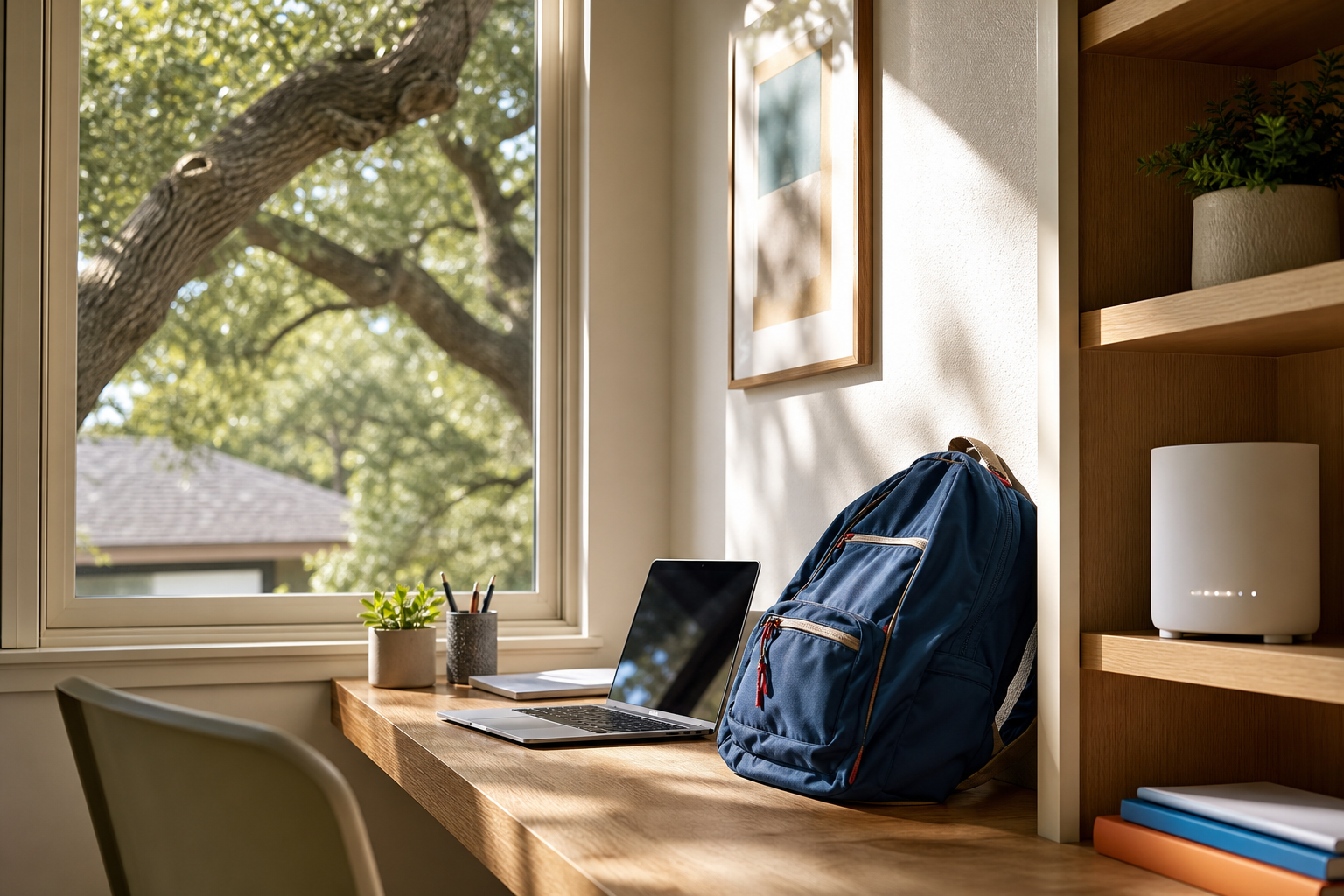
Austin ISD starts classes today, August 18, and your home Wi-Fi is about to work harder than it has all summer. Here is a 20-minute back-to-school network checkup from a local Austin technician.
We spend our days inside Austin homes fixing exactly the problems that show up this week every year: the Chromebook that will not hold a connection at the homework desk, the video call that stutters the moment three other devices wake up, the router that has quietly been cooking in a closet since June. With the 2026-27 AISD calendar putting kids back in class as of this morning, tonight is the first night your network runs the full load: school portals, streaming, a work-from-home meeting or two, and every smart device you added over the summer.
There is one more wrinkle this year. Austin just came off a record heat streak, 11 straight days at 105 degrees or hotter from August 4 to August 14, peaking at 108 on August 9. That broke a consecutive-day record that had stood since 1923. Networking gear hates that kind of heat. Routers, modems, and mesh nodes stuck in garages, media closets, and west-facing windowsills have been throttling and rebooting all month, and a lot of them are limping into homework season.
The back-to-school Wi-Fi checkup for Austin homes
You do not need new equipment to get through this week. You need 20 minutes and the steps below, roughly in order of payoff.
1. Reboot the router and modem properly
Unplug both, wait 60 seconds, plug the modem in first, wait for its lights to settle, then plug in the router. A clean restart clears months of accumulated memory leaks and forces the router to pick the least congested wireless channel available. If you have not done this since spring, do it before tonight's homework.
2. Get your gear out of the heat
After the streak we just had, this matters more in Austin than almost anywhere. Feel the top of your router. If it is hot to the touch, move it: out of the garage, out of the closed media cabinet, off the windowsill. Give it a few inches of open air on every side. Overheating gear does not usually die outright; it slows down, drops connections at random, and reboots itself at the worst moment. If your router lives in a spot that hit triple digits this month, that is the first suspect for any flakiness you see this week.
3. Test speeds at the actual homework desk
Do not test standing next to the router. Take the Chromebook or a phone to the desk where your kid will actually work, run a speed test, and compare it against the plan you pay for. AISD assigns Chromebooks to every student in grades 3 through 12, and those devices are entirely cloud-based: slow Wi-Fi does not just make videos buffer, it makes the whole machine feel broken. If the desk pulls less than a quarter of your plan speed, the room placement or the router is the problem, not the internet.
4. Update firmware and check for a crowded channel
Log into your router's app or admin page and apply any pending firmware update. While you are in there, look at how many devices are connected. Most Austin households are surprised to find 25 to 40 devices on a router that shipped when they had 10. If your router is more than five or six years old, it was never designed for that load, and no amount of rebooting fixes it.
5. Set up a homework-hour game plan
If evenings are when everything falls apart, that is congestion, not coincidence. Three quick wins: put the homework devices on the 5 GHz band if your router broadcasts separate networks, pause big downloads and game updates until after bedtime, and if your router supports quality-of-service settings, give the school Chromebook priority. Parents working from home should claim the wired ethernet port if there is one; it takes the biggest, most latency-sensitive load off the airwaves entirely.
6. Do the Chromebook basics tonight, not Thursday
Charge it fully, sign into the district portal once at home to make sure the password works away from campus, and let it finish any pending updates while you cook dinner. The most common "the Wi-Fi is broken" call we get in late August turns out to be a school device that needed 40 minutes of updates on a Tuesday night when a paper was due.
While you are at it: watch for back-to-school scam texts
The first weeks of school are prime season for text scams aimed at busy Austin parents. Right now the big ones locally are fake toll-balance texts pretending to be TxTag and calls from people impersonating police officers, both of which Austin police and TxDOT have warned about repeatedly. Add to that the seasonal fakes: "school fee due," "your child's device needs a payment," "package could not be delivered." The rule we give every client is simple: never pay anything from a link that arrived by text. Go to the official site yourself or call the published number. If someone in your house has already tapped a bad link, our scam protection service can lock things down and check what was exposed.
When it is worth calling someone
If you run this checkup and the network still cannot handle homework hour, the fix is usually structural: a router that needs replacing, a mesh system sized to the house, or a dead spot that needs a wired access point. That is exactly what our home network and Wi-Fi service does, on-site, same day when we can. We will map the coverage in your actual house, not guess from a box spec. And if the school year has surfaced a bigger gap, a student who needs help with the tech itself or a grandparent doing school pickup coordination by group text, our tech tutoring sessions are built for that.
We are a small Austin outfit and this is our busiest week of the year for a reason: the whole city goes back online at once. Run the checkup tonight, get the gear out of the heat, and if something still is not right, book a visit and we will sort it out at the house.
Good luck out there this school year. May your speed tests be fast and your Chromebooks fully charged.