If your flight out of Austin-Bergstrom got stuck in Friday's nationwide ground stop, the next risk is not the delay itself but the "airline agent" you find while searching for help, because fake customer service numbers are now showing up in search ads and even in AI chatbot answers.
What happened at AUS on November 13
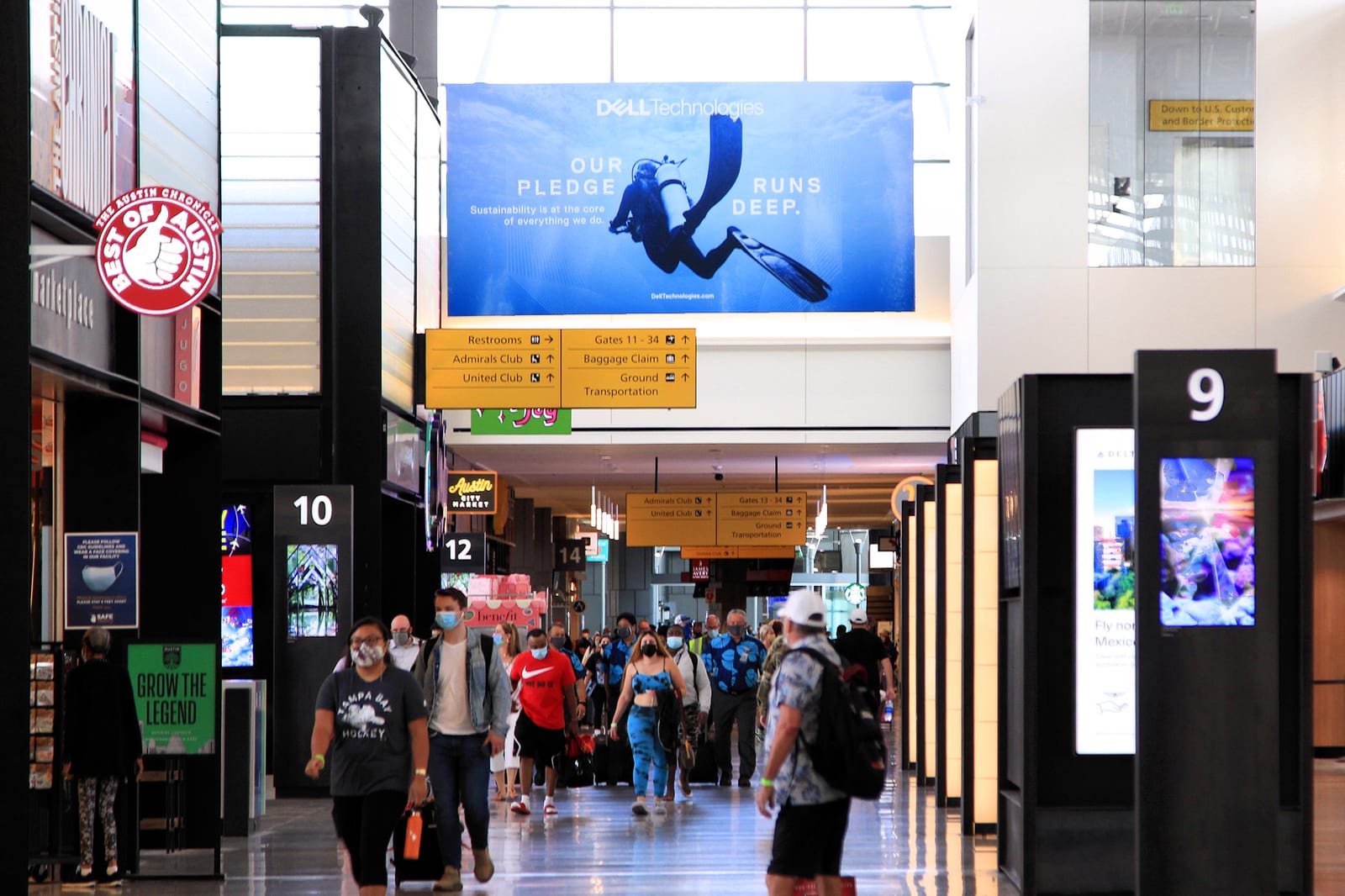
On Friday, November 13, 2026, the FAA issued a nationwide ground stop for all U.S. airports after communication issues hit multiple Air Route Traffic Control Centers. FOX 7 Austin reported that the FAA lifted the order at about 7:15 p.m. Central, but that lingering delays and cancellations kept frustrating travelers at AUS, and that passengers said accurate information inside the terminal was hard to come by. CBS Austin reported the same thing late Friday night: delays were still disrupting travel at Austin-Bergstrom after the stop was lifted.
It landed one day after a large Microsoft 365 outage that knocked out Outlook email for many people on November 12. Security researchers at Field Effect say scammers are already using that outage as a theme for phishing emails, texts and fake IT support calls that promise to "restore" messages or accounts.
Put those two days together and you get the exact conditions scammers wait for: a lot of stressed people, phones in hand, searching for a phone number to call. And Thanksgiving travel is less than two weeks out.
How fake customer service numbers reach you through AI search results
The old version of this scam was a paid search ad or a fake listing with a "support" number on it. You called, a friendly "agent" answered, and the agent asked for a card number, a rebooking fee, or remote access to your computer.
The newer version skips the ad. Paubox, citing Dark Reading, reported that researchers found tens of thousands of web pages seeded so that AI assistants such as ChatGPT, Google Gemini and Google AI Overviews would repeat fraudulent phone numbers, emails and login pages as if they were helpful answers. At least 374 organizations were caught up in it, including airlines, banks, travel companies and software makers. The fake detail shows up in the answer itself, not in a link you have to judge, which is why it fools careful people.
McAfee's write-up of the ground stop lists the other half of the problem: fake cancellation texts and emails that claim your flight was canceled and push you to "rebook now" through a link, often with a short deadline.
From the field, the pattern we see in Austin is simple. Nobody falls for these because they are careless. They fall for them because they are tired, worried and in a hurry, and the number looked official.
The rebooking checklist: do this before you call anyone
Keep this on your phone for the rest of the holiday season.
1. Rebook inside the airline's own app first
Most major airlines let you see delays, change flights and request refunds inside their apps. If you do not have it, install it from the official App Store or Google Play listing, checking that the publisher name is the airline itself. The app already knows your reservation, so there is nothing to read out loud to a stranger.
2. Get the phone number from a source you already trust
Good sources: the airline app's "contact us" screen, your booking confirmation email that you received at the time you bought the ticket, the airline's website typed in by hand, or the back of your airline credit card. Bad sources: a search ad, a sponsored result, an AI chatbot answer, a social media reply, or a text you did not ask for.
3. Treat any AI answer with a phone number as a lead, not a fact
If a chatbot or AI overview hands you a support number, do not dial it. Open the company's real site or app and confirm the number appears there. If it does not, it is not theirs.
4. Do not click "rebook" links in texts
Airlines do send real delay texts, but you do not need the link. Close the message, open the app, and check your trip there. If the app shows nothing wrong, the text was fake.
5. Know the red flags on the call
Hang up if the person on the line:
- asks you to pay a "rebooking fee" by gift card, wire, Zelle, Venmo or crypto
- asks you to install an app or let them "access your screen" to fix your reservation
- asks for your airline password or a one-time code sent to your phone
- pressures you with a countdown ("this seat is only held for five minutes")
A real airline agent will never need remote access to your computer and will never ask you to read back a security code.
6. If you already called a fake number
Act fast and in this order: call your card issuer using the number on the back of the card and dispute the charge, change your airline account password and any password you shared, and if you allowed remote access, disconnect that computer from the internet and do not log into banking on it until it has been checked. Then report the scam to the Federal Trade Commission through its official fraud reporting site.
The same rule covers the Microsoft 365 outage
If an email, text or caller says your Outlook or Microsoft account needs to be "restored" or "verified" after this week's outage, do not reply and do not call any number in the message. Treat any unsolicited call about fixing your email as a scam. Check your account by typing the Microsoft address into your browser yourself, and if something still looks wrong, call someone you already know and trust.
A script for older relatives who are flying this month
Older travelers are often the ones flying alone over the holidays, and they are the most likely to pick up the phone and do exactly what the friendly voice says. Before they leave, sit down for ten minutes and do three things.
- Install the airline app on their phone and sign them in, with the trip loaded. Show them where the "change flight" button is.
- Save the airline's real number in their contacts, copied from the app or the confirmation email, labeled clearly, for example "Airline - REAL number."
- Give them a script. Write it on a card for their wallet:
"If the flight is delayed or canceled, I open the airline app or call the number saved in this phone. I do not call a number from a text, a search or a pop-up. If anyone asks for a gift card, a code from a text, or access to this phone or computer, I hang up and call someone I trust."
It sounds basic. It works because it removes the decision from a stressful moment.
When to get help
If you are not sure whether a number, a text or an app is real, stop and ask before you act. Our scam protection service covers checking suspicious messages, cleaning up after a remote-access scam, and locking down accounts. If you would like a relative walked through their phone, airline app and saved contacts before Thanksgiving, a tech tutoring session is built for exactly that.
You can book a visit or reach Ryse Technology at 512.554.4790 or info@rysetech.net. Safe travels, and give yourself a little extra time at AUS this month.
Photo: Larry D. Moore via Wikimedia Commons (CC BY 4.0)