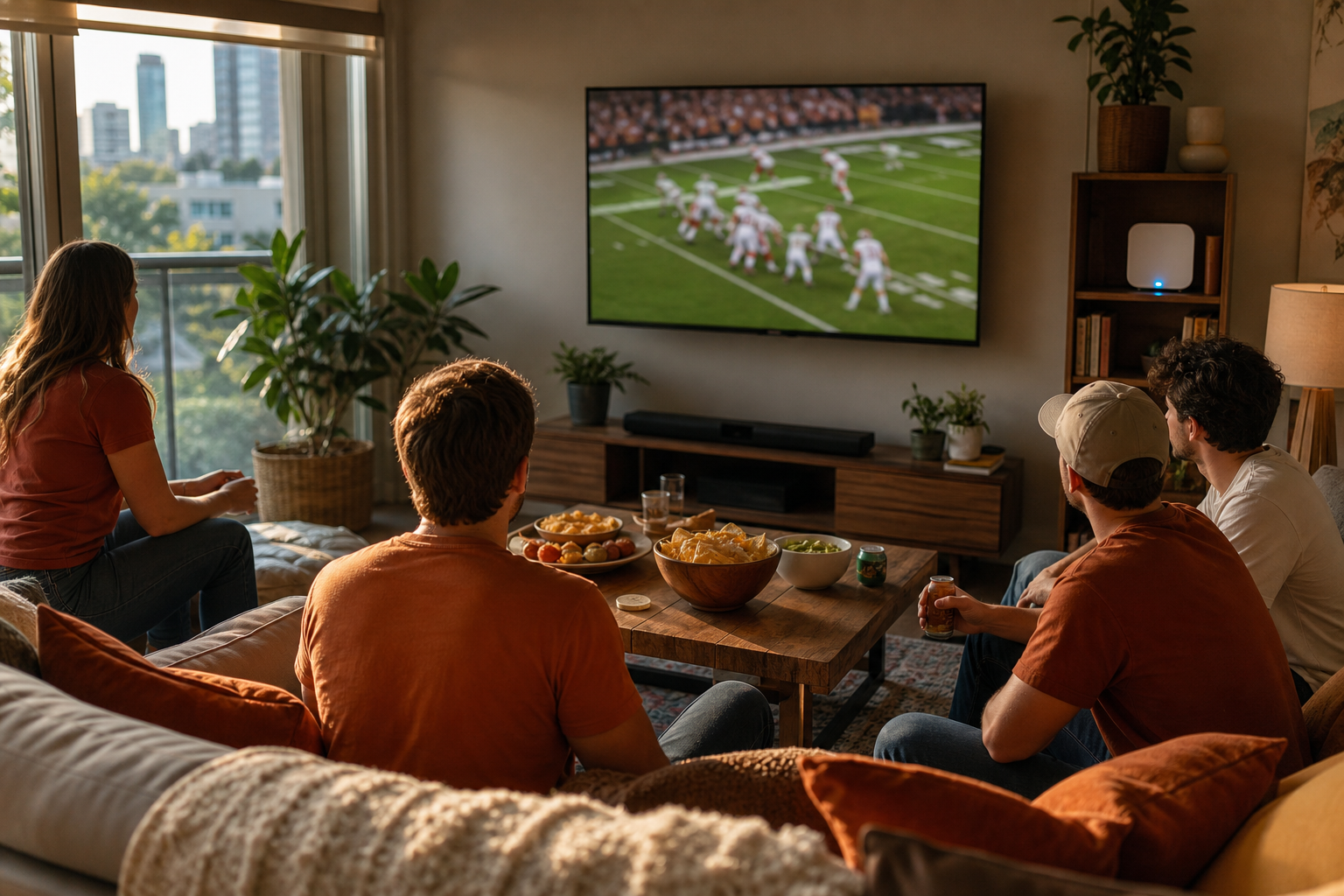
Every Texas Longhorns home game is sold out for the 2026 season, so most of Austin will be watching from the couch, and the worst moment to find out your streaming setup can't keep up is 2:30 p.m. on September 5.
Texas Athletics announced on August 11 that every seat at Darrell K Royal-Texas Memorial Stadium was gone before the first kickoff, the fifth straight season DKR has sold out in advance. College football is already back this weekend with the Week 0 games, and the Longhorns open at home against Texas State on Saturday, September 5, at 2:30 p.m. on ESPN.
Do the math on that. DKR holds a little over 100,000 people. The Austin metro is pushing 2.5 million. On game day, the overwhelming majority of burnt orange fans are watching a stream, and a lot of them are hitting play at the exact same minute. We work on home networks all over Austin, and every September brings the same story: the game froze on third down, the family group chat celebrated a touchdown 40 seconds before our TV showed it, and somebody restarted the router four times in one afternoon.
None of that has to happen. Here is the checkup we would run in your living room, condensed into what you can do yourself this week, while there is still time to fix what you find.
Test your game-day streaming setup this week, not at kickoff
The single most useful thing you can do costs nothing and takes ten minutes. On Saturday, while the Week 0 games are on, open the app you will actually use on September 5 and watch 15 minutes of a live game on the actual TV you will watch it on.
A live sports stream is a different animal from a movie night. Netflix and Prime buffer a big chunk of video ahead, so a Wi-Fi hiccup passes unnoticed. Live sports runs seconds behind real time with a much smaller cushion, so every stumble in your network shows up on screen as a spinner, a blocky picture, or a crash back to the menu.
While your test game is playing, note three things:
- Does the picture look sharp, and does it stay sharp? A stream that starts crisp and goes soft is your network telling you it can't sustain the rate.
- Does the app itself behave? Sign-in problems, endless loading wheels, and forced updates are app and device problems, not internet problems, and they are fixable ahead of time.
- How far behind live are you? If a radio broadcast or a score app is way ahead of your picture, some of the fixes below will tighten that gap.
The fixes that actually stop buffering
Wire the TV if you can
One Ethernet cable from your router to the TV or streaming box removes Wi-Fi from the equation entirely, and Wi-Fi is where the vast majority of buffering lives. If the router sits near the TV, this is a five dollar fix. If it doesn't, a pair of powerline or MoCA adapters can carry a wired connection over the wiring already in your walls. Every setup we harden for sports viewing gets a wire to the main TV when it's physically possible.
Give the router a fighting chance
If wiring isn't an option, position is everything. A router on the floor behind the entertainment center, wedged next to a metal AV receiver, is fighting through obstacles before your stream ever leaves the house. Get it out in the open, waist height or higher, and as central as you can manage. While you're at it, reboot it once this week. A router that has been up for eight months is due.
Check the streaming device, not just the internet
That 2019 streaming stick or the apps built into the TV itself are often the real bottleneck. Built-in smart TV apps run on the cheapest chip the manufacturer could ship, and an aging stick throttles itself when it overheats, which is relevant in a Texas August. A current-generation streaming device is one of the cheapest meaningful upgrades in home tech, and moving a stick out from the hot cabinet behind the TV helps more than people expect. If the device is current and still misbehaving, that's a troubleshooting visit worth booking before the season gets going.
Clear the field at game time
Everything else on your network is competing with the game. Cloud photo backups, game console downloads, and a security camera uploading clips all take bites out of the same connection. Most modern routers let you see per-device usage in their app, and better ones let you prioritize one device. Putting the game-day TV at the top of that list is exactly what that feature is for. If your router's app shows you nothing, that's a sign the router is the weak link, and a home network and Wi-Fi tune-up can sort out whether it's placement, hardware, or plan.
When the whole neighborhood hits play at once
Here's the part nobody can fix inside the house: at 2:30 on September 5, your street hits play together. Streaming platforms and ISPs mostly absorb this fine now, but big live events still produce visible slowdowns, and a marginal home setup is the first place it shows. That's the honest reason to do this prep. You can't control the platform, the stadium feed, or the neighborhood node, so it pays to make sure the part you do control isn't adding problems of its own.
A backup worth having: the free over-the-air antenna. The opener is on ESPN, so an antenna won't carry that one, but plenty of Longhorns games land on ABC over the course of a season, and broadcast TV doesn't buffer. A $30 flat antenna taped in a window is the most reliable tuner in the house during any big event, severe weather included.
The five-minute game-day checklist
Run this the morning of September 5:
- Reboot the streaming device (fully restart it, not just the remote's sleep button).
- Confirm you're signed in to the app and it has updated, before 2:30, not during the anthem.
- Pause cloud backups and console downloads on the network.
- If guests are coming, put their phones on the guest network so the TV keeps priority.
- Know your fallback: the ESPN app on a phone, a hotspot, or the radio call ready to go.
Most of this is one honest afternoon of setup for a full season of Saturdays. If your test stream this weekend fails and you would rather hand the whole thing to someone local, that's what we do. Book a visit and we'll have the house ready well before the Horns take the field.