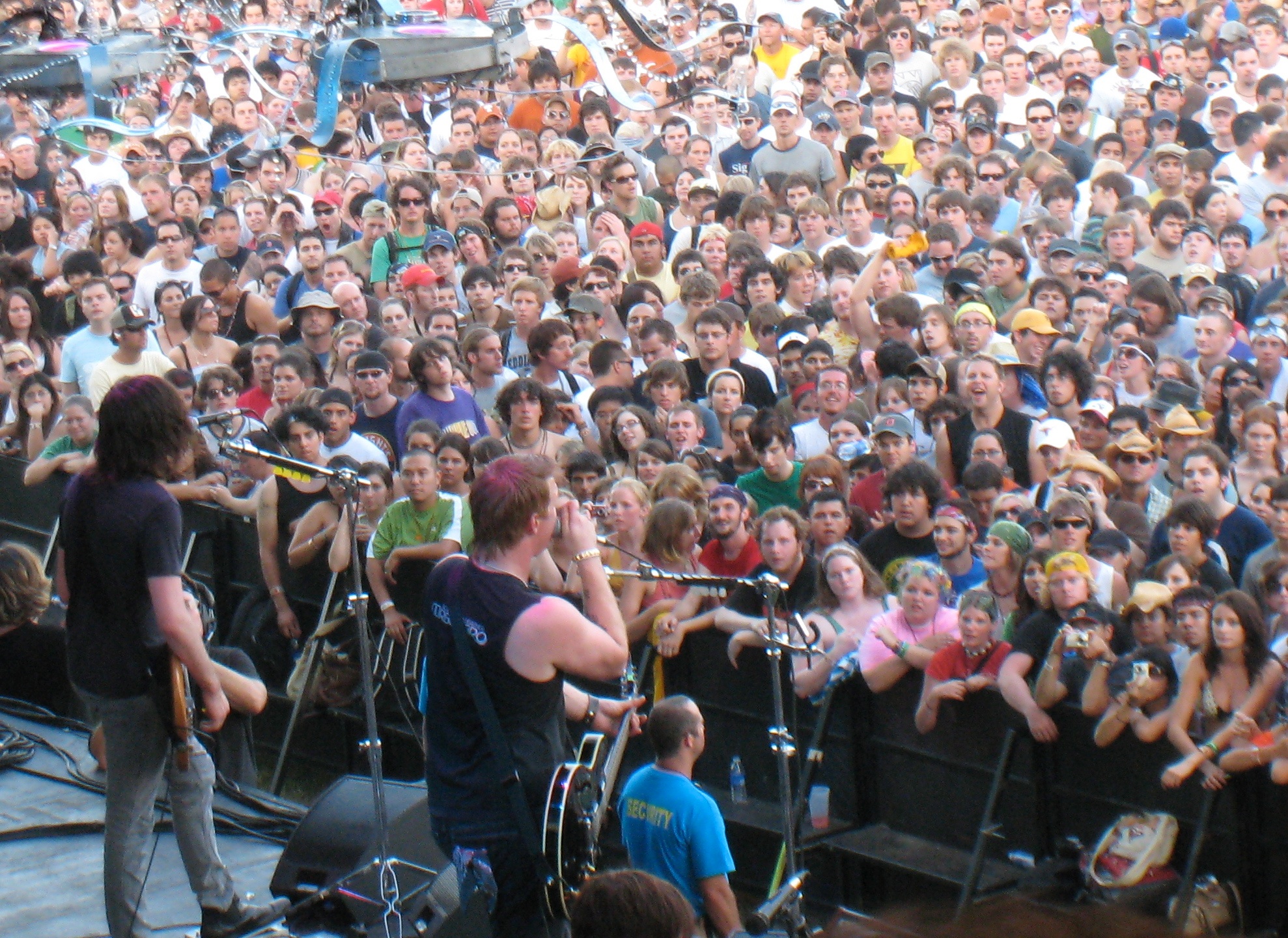
ACL Fest returns to Zilker Park October 2-4 and 9-11, 2026, and the phone in your pocket has to survive twelve hours of Austin heat, overloaded cell towers, cashless wristband payments and back-pocket thieves: this is the device prep checklist we run through with Austin households before the gates open.
The festival's 25th anniversary is nine days out as we write this. The full schedule is posted, single-day tickets went on sale at $170, and the festival is fully cashless again, which means your phone and your wristband are now your wallet, your map, your ticket to finding your friends, and your ride home. Every one of those jobs fails the same way: a dead battery, a locked-up signal, or a phone that walked off in someone else's hand. All of it is preventable in about twenty minutes on the couch this week.
What to know about ACL Fest 2026 before you plan your phone around it
A few dated facts from the festival's own FAQ pages and Austin coverage this month that shape everything below:
- Two weekends, October 2-4 and October 9-11. Music runs from midday until the 10 pm headliner on the American Express stage.
- Cashless. Purchases run through the wristband linked to a card, and physical cards plus mobile wallets like Apple Pay and Google Pay are accepted at many vendors.
- Wristbands ship ahead of time and need activation. An unactivated or counterfeit band gets you nothing at the gate. Only bands from Front Gate Tickets or the festival's official exchange are valid, and Austin police have warned every year about counterfeit resale.
- Portable battery packs are allowed. Clear bags up to 12 x 6 x 12 inches, or a small 6 x 9 pouch that does not have to be clear, are the bag rules.
- Charging lockers exist, while supplies last. The on-site locker vendor rents lockers with a charging cable inside. They sell out by the first afternoon most years.
- The official app is Festiverse. Set times, the map, and same-day schedule changes come through it, and it needs a signal to refresh.
Battery: Zilker in early October is still a heat problem
Austin's forecast this week is highs in the 90s, and the first weekend of ACL rarely feels like fall. Heat is what kills festival phones, not screen time. A phone left face-up on a blanket in direct sun will throttle, then shut down to protect the battery, and it will not come back until it cools.
What works:
- Bring a battery pack, not a hope. A 10,000 mAh pack refills most phones twice. Charge it Thursday night, and pack the cable, since the pack without the cable is a paperweight.
- Low Power Mode from the parking lot. iPhone: Settings > Battery > Low Power Mode. Android: Settings > Battery > Battery Saver. Turn it on before you walk in, not when you hit 15 percent.
- Kill the radios that are working hardest. Turn off Bluetooth if you are not wearing earbuds, and turn off Wi-Fi entirely. A phone hunting for a Wi-Fi network in a park with no usable Wi-Fi drains faster than one that has given up.
- Keep it out of the sun. A pocket beats a hand. A bag beats a pocket. If it shows a temperature warning, put it in the shade for ten minutes. Our September post on what Austin heat does to electronics explains why, and the same rules apply on the Zilker lawn.
Cell service: the towers on wheels are not enough at headliner time
The carriers bring temporary cell sites into and around the park every year, and coverage still crawls when the headliner starts and tens of thousands of people upload the same video at once. Your calls will fail, your texts will queue, and the app will spin.
Set the phone up to work without a signal:
- Screenshot the set times and the map tonight. Open Festiverse, build your schedule, then screenshot every day you are attending. Screenshots open with zero bars. The app will not.
- Download the offline map. In Google Maps, search Zilker Park, tap the place, and choose Download. Apple Maps does the same under your profile picture > Offline Maps. Getting back to the car or the bus at 10:30 pm is not the moment to discover the map will not load.
- Agree on a text-only rule. SMS gets through congestion long before a call or a photo does. Short texts, no photos until you are out of the park.
- Pick a physical meeting point per day and put it in the group chat now. You will lose each other, and the phone will not fix it in the moment.
Turn on theft protection before Friday
Back-pocket theft is a festival tradition, and a phone stolen unlocked at a festival is worse than a lost phone, because the thief may have your banking apps, your wallet, and the wristband's linked card in one hand.
- iPhone: Settings > Face ID & Passcode > Stolen Device Protection > on. With it on, a thief who watched you type your passcode still cannot change your Apple ID password or turn off Find My without Face ID, and the important changes get a one-hour delay away from home.
- Android: Settings > Google > All services > Theft protection. Turn on Theft Detection Lock and Offline Device Lock. The phone locks itself the moment it senses a snatch-and-run motion.
- Both: Make sure Find My (iPhone) or Find My Device (Android) is on and that one trusted person can see your location for the weekend, and set the banking apps to require Face ID or a fingerprint on every open.
Ten minutes, and the worst case becomes an insurance claim instead of an identity theft cleanup. Our cybersecurity and scam protection visit covers all of it for the households that would rather have it done for them.
The cashless wristband and your mobile wallet
Link the wristband to the card you actually want charged, and do it from home on a real connection, not in the entry line. Two extra steps we recommend:
- Use a credit card, not a debit card, for the wristband link and the mobile wallet. A disputed charge on a credit card is a phone call. A drained checking account on a Sunday night is a much longer week.
- Add the same card to Apple Pay or Google Pay as a backup. On recent iPhones the wallet keeps working for a while after the battery hits zero.
- Turn on transaction alerts in your bank app. If the wristband's card starts buying drinks on a day you are not at the park, you want the text within a minute.
Back up the phone this week
You are about to take a thousand photos of Lorde and Twenty One Pilots in a park where phones get dropped, soaked, and stolen. Make sure losing the phone does not mean losing the photos from the last three years.
- iPhone: Settings > your name > iCloud > iCloud Backup > Back Up Now, on home Wi-Fi.
- Android: Settings > Google > Backup > Back up now.
- Check the photos are actually syncing (iCloud Photos or Google Photos with backup on), and look at the storage warning you have been dismissing. A phone that is out of cloud space has not backed up in months, and most people find out the day the phone dies.
If the backup has not run since last year, or the phone is full and you are not sure what is safe to delete, our data backup and recovery team can get it sorted before weekend one.
Buying last-minute wristbands: only two safe places
Every October Austin police and the festival repeat the same warning, and every October people get turned away at the gate holding a band someone sold them on a marketplace app. Only Front Gate Tickets and the festival's official verified exchange sell valid wristbands. Activate any band you buy immediately, before you pay if the seller will allow it, because an already-registered or cloned band fails at the scanner. If a listing wants payment by a cash app, gift card, or crypto, it is a scam, full stop.
After the festival
Monday morning: run the backup again, check the wristband's card statement for charges you do not recognize, and if the phone came home hot and sluggish, let it cool and charge fully before assuming it is broken. If it still misbehaves after weekend two, that is a device troubleshooting visit, and mid-October brings plenty of them.
Want the whole list done before October 2? Book a visit or contact us and we will set up theft protection, backups, offline maps and the wallet on every phone in the house in one appointment.
Photo: Bruce Turner via Openverse (CC BY 2.0)